

Remove tattoos from photos.
Replace visible tattoos with natural-looking skin and share your photos with fewer identifying details.
3 free edits once after email confirmation. Previews have a watermark; downloads without a visible watermark require active Plus or Pro.
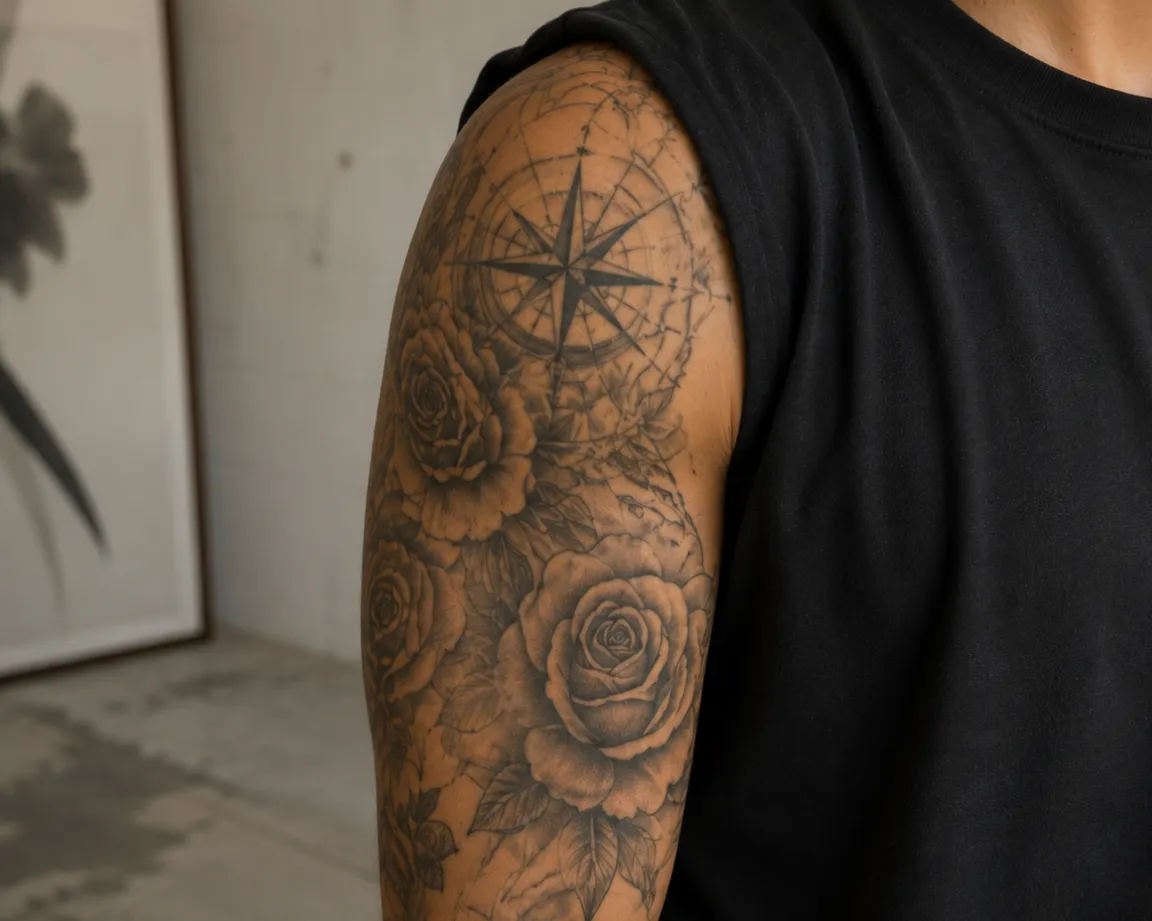 Before
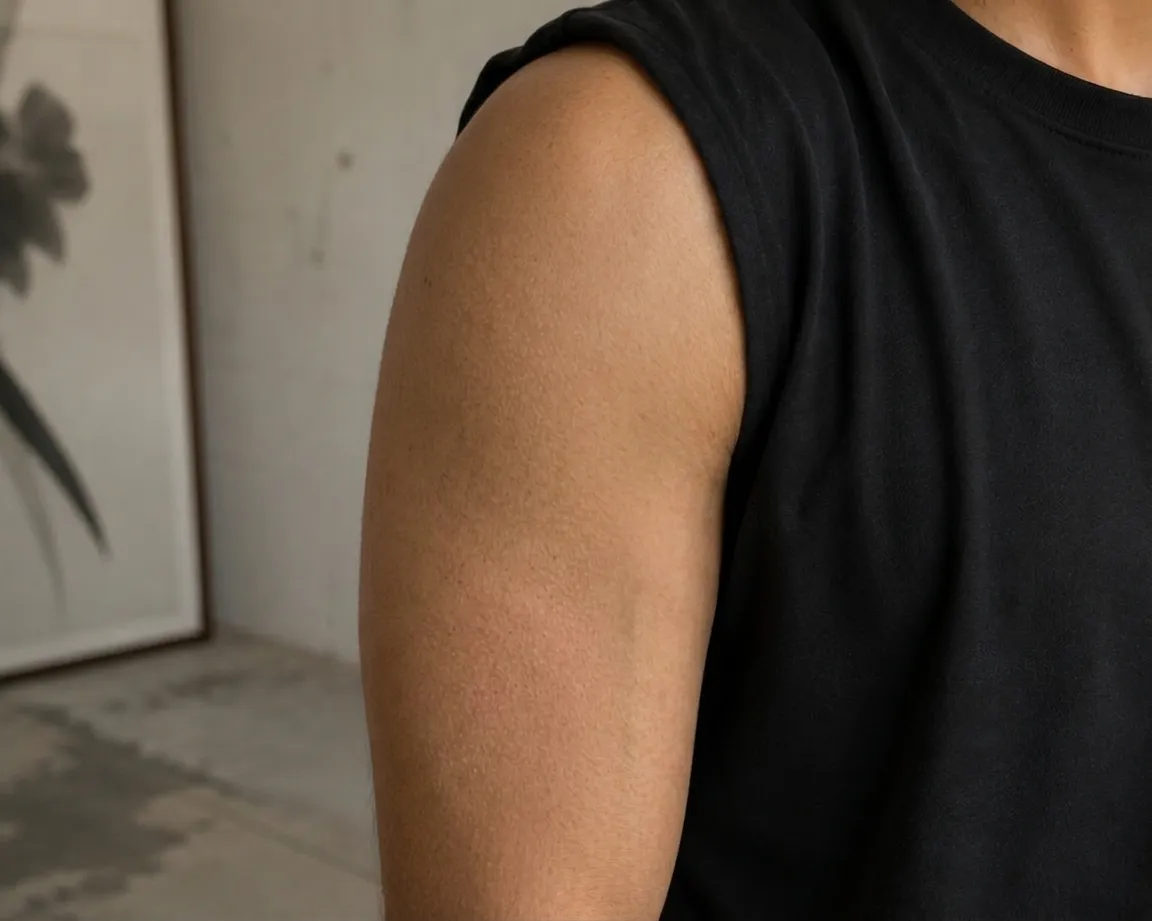 After
AfterHow to remove tattoos from a photo
- 1
Create a free account, confirm your email address and upload your photo.
- 2
Select “Remove tattoos” in the editor. Piercings, skin features and background changes can be selected separately.
- 3
Compare the original and result. An active Plus or Pro subscription is required to download without a visible watermark.
What tattoo retouching can do
The option edits all visible tattoos, rather than an individually marked design. Partly covered tattoos, fine patterns or difficult lighting may result in incomplete removal or visible retouching errors. Other features may still identify you.
What happens to your photo
Metadata is removed in your browser before upload. We store the image temporarily for editing: the original is deleted after successful processing and the result about an hour after completion from our image storage. We do not train our own AI models with your photos. Necessary external services are used for safety checks and editing; their retention and usage terms are explained in the privacy policy. Full anonymization is not guaranteed.
Privacy in detailQuestions about editing
Does VelaSnap change my actual tattoo?
No. VelaSnap only edits your digital photo. The tattoo on your skin stays unchanged.
Can I retouch a photo for a natural look?
Yes. Select only tattoo removal and leave the other options off. Check the result, as AI retouching can change nearby details.