

Change photo backgrounds.
Change backgrounds with AI and share fewer details of your home, workplace or other private places.
3 free edits once after email confirmation. Previews have a watermark; downloads without a visible watermark require active Plus or Pro.
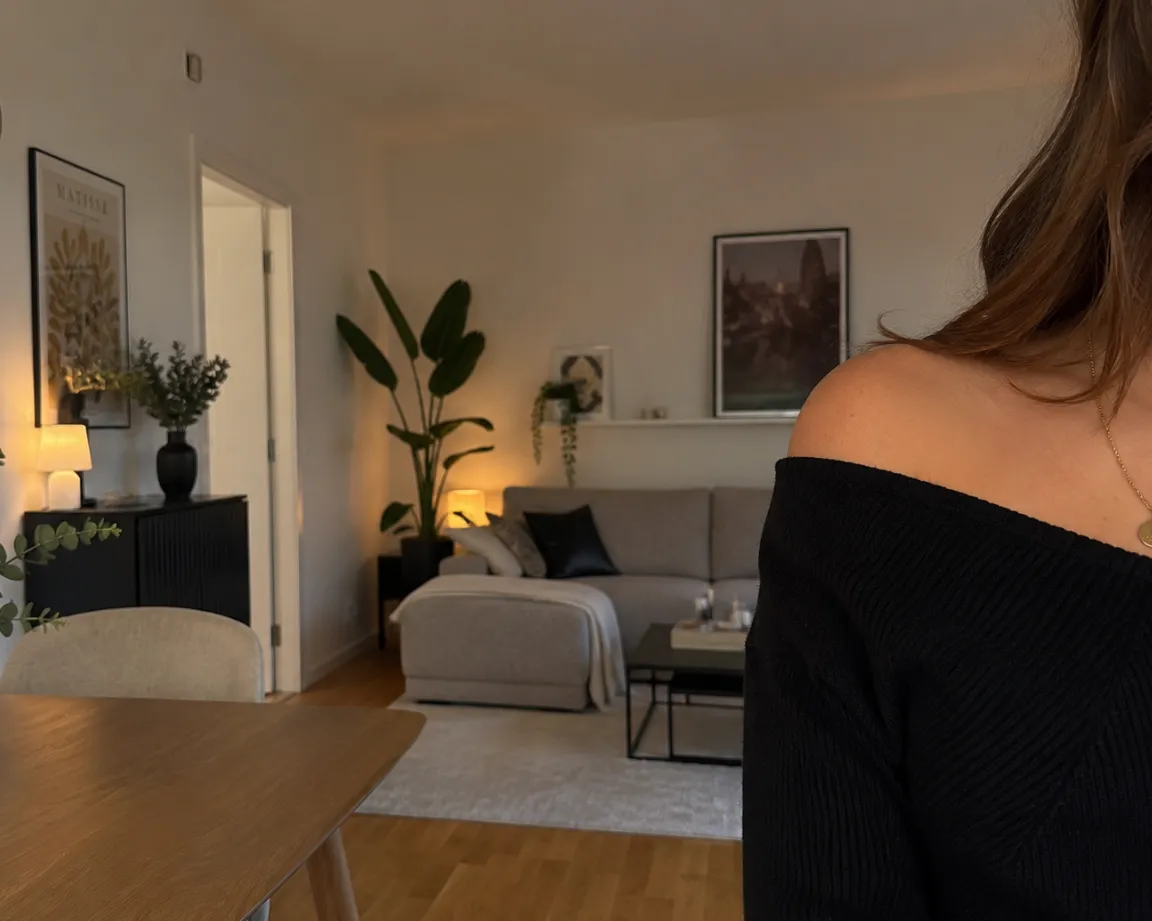 Before
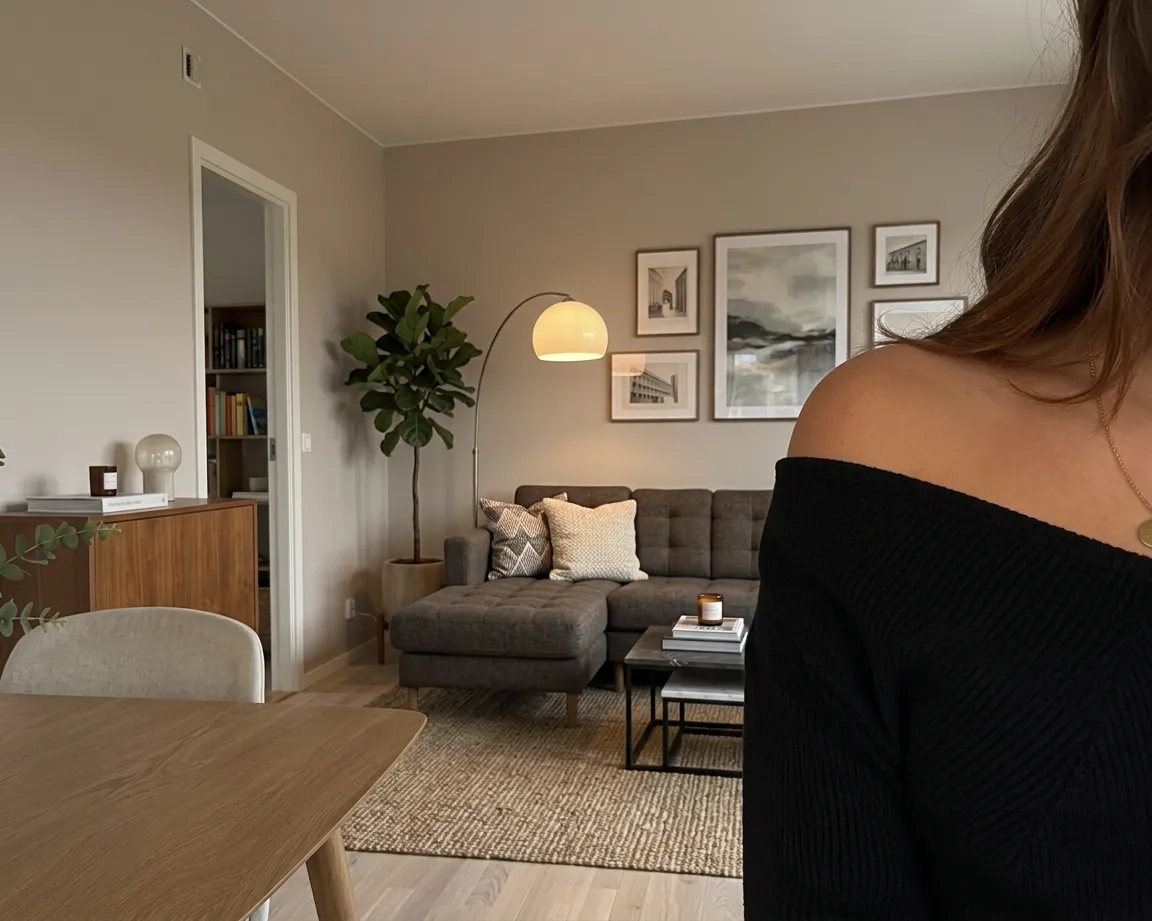 After
AfterHow to change your photo background
- 1
Create a free account, confirm your email address and upload a photo.
- 2
Turn on “Change background”. VelaSnap generates a different setting; the scene type, such as indoors or outdoors, is intended to stay.
- 3
Compare the preview with your original. Check reflections, outlines and remaining location clues before downloading and sharing.
A new background does not fully protect your identity
You choose the editing option, rather than a specific background. AI may change outlines, hair or objects around the edges. Faces, clothing, reflections or other details may still reveal information about you or your location.
What happens to your photo
Metadata is removed in your browser before upload. We store the image temporarily for editing: the original is deleted after successful processing and the result about an hour after completion from our image storage. We do not train our own AI models with your photos. Necessary external services are used for safety checks and editing; their retention and usage terms are explained in the privacy policy. Full anonymization is not guaranteed.
Privacy in detailQuestions about editing
Can I specify a particular background?
Currently, VelaSnap changes the original setting automatically. Uploading a background template or writing a background prompt is not supported.
Are location details removed from the file?
Metadata such as EXIF and location details is removed in your browser before the image is uploaded. You still need to assess visible clues in the photo itself.